
PACKAGING GUIDES
Product Photography or Decorative Graphics on Packaging: Choose the Visual Role
Product photography and decorative graphics serve different visual roles on packaging. Decide whether an image needs to explain the contents or support the brand atmosphere, then combine those roles in a clear panel layout.
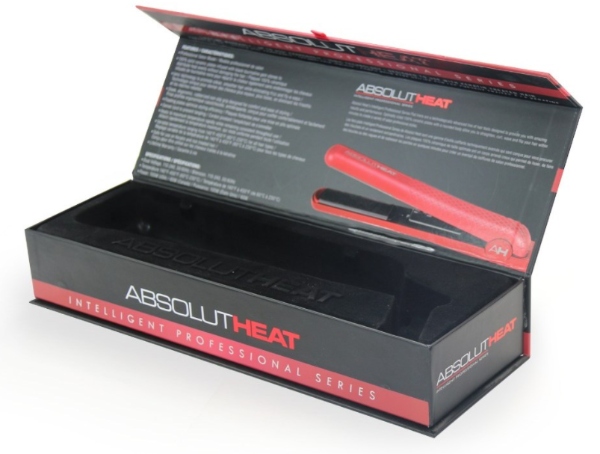
Use product imagery to explain the contents
Choose a view that communicates the actual product without adding unsupported features or scale. Check the image against the item being packed. On a retail pack, the representation should remain consistent with the supplied product and its stated information.
Give decoration a supporting purpose
A pattern or abstract graphic can coordinate the brand presentation without acting as a literal product image. Compare it with the logo and any product photography. Keep the visual priorities clear so that decoration does not obscure the information the reader needs.
Review the assembled composition
Check the images and graphics at actual size on the proposed panels. Review cropping within the artwork with the product owner, keeping the represented product accurate. Approve the composition with the structure drawing and the final image files.


 Send Email
 yue.sandy
 WhatsApp
 WeChat